

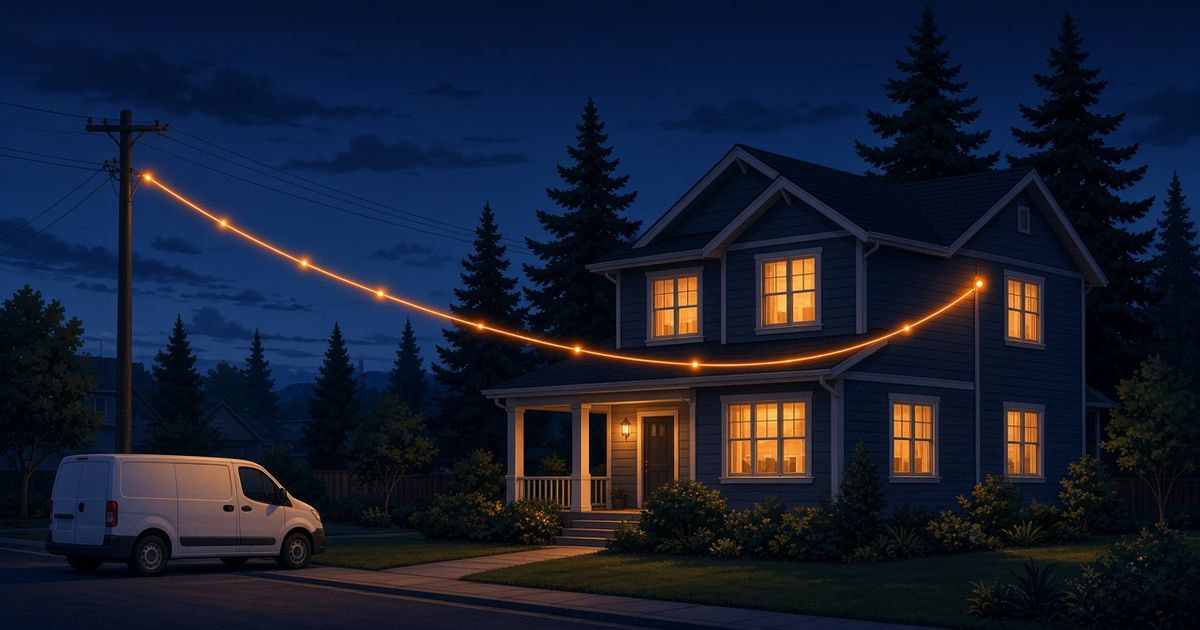
Once people decide to switch, the next question I hear is, "Dan, what actually happens on install day?" Fair question. Nobody likes the idea of someone drilling into the house with no idea what's coming. The good news: a fiber install is usually pretty calm, and a little prep goes a long way. Here's how it typically goes.
Before the installer shows up
A few minutes of prep makes the whole visit smoother:
- Think about where you want your router. More on this below, but have a spot or two in mind before anyone arrives.
- Clear a path. Move boxes, furniture, or holiday decorations away from the outside wall where the line comes in and the inside wall where you'd like the equipment.
- Know where your current equipment is. If you're switching from another service, find the old modem and router so you can decide what stays and what goes.
- Plan to be home. Someone 18 or older usually needs to be there to let the installer in and make a few decisions.
- Write down your old Wi-Fi name and password. If you'd like to keep them so devices reconnect on their own, ask.
How the line gets to your house
Fiber usually reaches your home from a line in the yard or along the street, and it connects to a small box on the outside of the house. From there, a thin fiber cable comes inside through a small hole in the wall. The path depends on your home, so the installer will usually walk it with you. If you'd rather not have a cable along a certain wall, speak up.
Where the equipment goes inside
Inside, you'll typically get two pieces:
- A small fiber terminal (sometimes called an ONT). This is where the fiber line ends and your internet "comes out." It's usually mounted on a wall near where the cable enters.
- A router. This is what makes your Wi-Fi and gives you ports to plug devices into with a cable.
Some setups combine these, so ask what you're getting. The terminal needs power, so it'll go near an outlet.
Router placement: the decision that matters most
If you take one thing from this guide, make it this: where your router lives shapes your Wi-Fi more than almost anything else. A great connection can still feel slow if the router ends up in a basement corner behind the furnace. When choosing the spot:
- Aim for the middle of the home, up high, and out in the open.
- Keep it away from big metal objects, appliances, and fish tanks.
- Think about where you use the internet most.
- Ask whether a cable can run from the terminal to a better router spot if the line comes in somewhere awkward.
My guide Better Wi-Fi at home: 7 simple fixes goes into more detail, including when a mesh system makes sense for bigger or multi-level homes.
How long does it take?
Honestly, it varies. It depends on your home, how the line reaches the house, how far the cable runs inside, and whether anything unexpected turns up. The installer will confirm timing for your address, so keep that part of your day flexible.
What to test before the installer leaves
Check a few things while the installer is still in your driveway:
- Run a speed test on a wired device. Plug a laptop into the router with a cable. This shows what the connection itself delivers.
- Test Wi-Fi in the rooms you use most. Big drops point to Wi-Fi coverage, not the line.
- Check upload, not just download. Upload is what carries your video on a call. If you're not sure why that matters, my guide How much internet speed does your household actually need? explains it.
- Make a quick video call and walk around the house.
- Reconnect the important stuff: TVs, printers, doorbells, cameras, thermostats.
- Write down the basics. Your Wi-Fi name, password, and who to call for support.
After install day
Give it a few days of normal life and notice how things hold up in the evening. If a room still struggles, try moving the router or plugging in devices that don't move. Still deciding between connection types? my compare page lays out how fiber, cable, 5G Home, satellite, and DSL reach your home.
FAQ
Do I need to be home for the whole fiber install? Usually someone needs to be there to let the installer in and help choose where the equipment goes. Ask ahead of time what's expected for your address.
Will the installer drill holes in my house? Usually a small hole is needed to bring the cable inside. The installer should walk you through the route first.
Can I keep my old router? Sometimes. It depends on the setup and your router's age. Ask before install day.
Have a question about install day I didn't cover? Call or text me at 763-888-8211. I'm happy to walk you through it, no pressure.
— Dan Amundson, Fiber Is Better
Check what's available at your address
Enter your ZIP code and I'll show you the fiber options where you live. Check your ZIP →